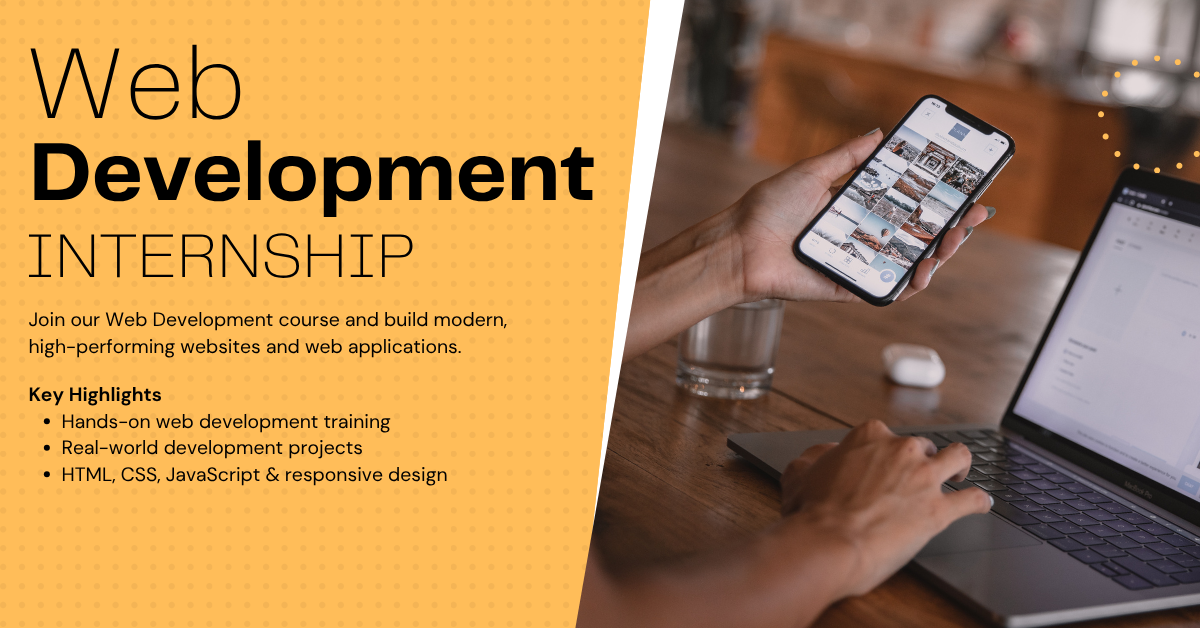
3 Months Web Development Training & Internship

Categories: Training & Internship
Wishlist Share

About Course

This 3-month Web Development Internship is a fast-paced, practical, and industry-oriented training program designed to help beginners become capable frontend and full-stack web developers with strong foundations in modern web technologies and real-world development practices.

The program follows a structured learning approach, beginning with the core fundamentals of web development and gradually advancing toward building complete responsive and dynamic web applications. It is carefully designed to provide both conceptual understanding and hands-on implementation through practical coding exercises, assignments, quizzes, mini-projects, and a final capstone project.

This internship is ideal for learners who want to quickly gain practical web development skills and build portfolio-ready projects within a shorter time frame.

🚀 What This Internship Covers

The internship begins with the basics of web development, where learners understand how websites work and how modern web applications are built. Students start with HTML, CSS, and basic JavaScript, learning how to structure webpages, style interfaces, and create responsive layouts for different devices.

Once the frontend foundation is established, the program moves into advanced JavaScript concepts and interactive UI development. Learners understand DOM manipulation, events, functions, form handling, and dynamic webpage behavior. These concepts help students build modern, user-friendly interfaces.

The internship then introduces backend development fundamentals, where students learn how servers, databases, and APIs work together in a web application. Learners gain practical experience with CRUD operations, routing, authentication basics, and database integration.

As the internship progresses, students learn how frontend and backend systems communicate through APIs and how complete web applications are structured in real-world development environments. Concepts such as REST APIs, form validation, responsive design, and deployment are also covered.

In the final phase of the internship, learners apply all the concepts they have learned by building a complete real-world web development project. This capstone project may include features like authentication, responsive UI, database integration, CRUD functionality, and dynamic user interaction, helping learners experience a professional development workflow.

🧠 Learning Approach

This internship is heavily focused on practical implementation and hands-on learning rather than just theory. Each module is designed to reinforce concepts through coding practice and project-based activities.

Each module includes:

  • Structured video/text lessons
  • Practical coding examples
  • Assignments and exercises
  • Module-wise quizzes
  • Mini-projects for implementation practice
  • A final capstone project

The program follows a sequential progression system, meaning learners must complete quizzes and assessments successfully before unlocking the next module. This ensures strong understanding of foundational concepts before moving into advanced topics.

🏆 Skills You Will Gain

By the end of this internship, participants will be able to:

  • Build responsive websites using HTML and CSS
  • Write interactive frontend functionality using JavaScript
  • Understand modern web development workflows
  • Work with forms, validations, and dynamic UI elements
  • Understand backend fundamentals and API integration
  • Perform CRUD operations with databases
  • Build complete web applications from scratch
  • Understand real-world project structure and deployment basics
  • Create portfolio-ready web development projects

🎯 Who This Internship is For

This internship is ideal for:

  • Beginners who want to start a career in web development
  • Students pursuing computer science or IT-related courses
  • Individuals interested in frontend or full-stack development
  • Freelancers looking to build modern websites and web applications
  • Anyone wanting practical web development experience in a short duration

No prior programming experience is required, but regular practice and consistency are important for successful completion.

💼 Internship Outcome

Upon completion of this internship, learners will have practical experience in building responsive and dynamic web applications using modern development techniques.

Participants will also complete a real-world capstone project that can be added to their portfolio, resume, or GitHub profile, helping them demonstrate practical skills to potential employers and significantly improving their opportunities for internships and entry-level web development roles.

Show More

Course Content

Module 1: Introduction to Web Development & Internet Fundamentals
This module builds the absolute foundation required to begin a career in web development. Students will understand what web development actually is, how websites work behind the scenes, and how the internet delivers content from servers to users in milliseconds. This is the starting point for every frontend and full-stack developer because without understanding the core mechanics of the web, coding becomes memorization instead of engineering. Students will learn the difference between websites and web applications, how browsers communicate with servers, what happens when a user enters a URL, and how the internet infrastructure functions in the real world. This module also introduces the major technologies used in modern web development and explains how they work together to build complete digital products. By the end of this module, students will clearly understand the web ecosystem, the client-server model, domains, hosting, DNS, HTTP/HTTPS, and the full lifecycle of a website request. This knowledge is critical because every future topic—HTML, CSS, JavaScript, APIs, hosting, and deployment—depends on these fundamentals. This module is designed to remove confusion early and give students technical clarity before they start building interfaces. Instead of blindly writing code, students will understand where their code runs, how it reaches users, and why each part of the web stack exists. Students completing this module will be able to confidently explain how the internet works, how websites are served, and how modern web systems are structured in production.

  • Introduction to Web Development
  • How the Internet Works
  • Client, Server & Browser Architecture
  • Check what have you learnt about Web Development Fundamentals Quiz
  • Web Request Flow Diagram

Module 2: HTML5 Fundamentals & Semantic Web Structure
This module introduces HTML5, the structural foundation of every webpage on the internet. Before styling with CSS or adding behavior with JavaScript, every website begins with HTML because HTML defines the structure, meaning, and content hierarchy of a web page. Students will learn how browsers interpret HTML documents, how HTML elements define content, and why semantic structure is critical in modern development. This module goes beyond just “writing tags” and teaches students how to build meaningful, accessible, professional page structures used in real production websites. Students will understand document structure, semantic tags, forms, media elements, links, lists, tables, and content organization. They will also learn how search engines and browsers interpret HTML, why semantics matter for SEO and accessibility, and how properly structured HTML improves maintainability. This module is critical because poor HTML creates weak foundations. A badly structured page becomes difficult to style, inaccessible to users, and harder to maintain at scale. Good HTML reduces complexity in every future layer. By the end of this module, students will be able to build complete, properly structured HTML pages using semantic HTML5 standards and professional layout practices. Students completing this module will understand how to structure real-world webpages in a way that is readable, accessible, scalable, and production-ready.

Module 3: CSS Fundamentals, Styling & Visual Design
This module introduces CSS, the language used to style and visually design HTML content. HTML provides structure, but CSS controls how that structure looks—colors, spacing, layout, typography, alignment, and visual hierarchy all come from CSS. Students will learn how CSS works, how styles are applied to HTML elements, and how modern websites achieve clean professional interfaces. This module focuses on building strong styling fundamentals before moving into advanced layout systems. Students will understand selectors, properties, values, colors, typography, spacing, box model, borders, backgrounds, display behavior, and CSS organization. These are the core principles required to transform plain HTML into visually polished interfaces. This module is critical because poor CSS creates inconsistent, broken, and unprofessional user interfaces. Good CSS creates clarity, visual balance, readability, and maintainable design systems. By the end of this module, students will be able to style complete webpages using clean CSS, apply visual hierarchy correctly, and build readable, attractive layouts that are ready for responsive design. Students completing this module will understand how modern web interfaces are visually constructed and how professional frontend styling works in production.

Module 4: Responsive Design, CSS Grid & Modern UI Layouts
This module focuses on modern layout systems and responsive design principles used in real production websites. Static layouts are not enough today because users access websites from phones, tablets, laptops, and large screens. This module teaches how to build flexible, adaptive interfaces that work across all devices. Students will learn how to make websites responsive using media queries, flexible units, and modern layout systems like Flexbox and CSS Grid. They will also understand how professional UI layouts are structured in real-world applications such as dashboards, landing pages, and SaaS platforms. This module is critical because layout is the backbone of user experience. A poorly structured layout breaks usability, while a responsive layout ensures accessibility and consistency across devices. Students will learn how to control alignment, spacing, grid structure, and component placement in a scalable way. They will also understand how modern UI frameworks like Bootstrap and Tailwind are built on these principles. By the end of this module, students will be able to build fully responsive web layouts using Flexbox and CSS Grid and create professional-grade UI structures that adapt to any screen size.

Module 5: JavaScript Fundamentals & Core Programming Logic
This module introduces JavaScript, the programming language that brings interactivity and logic to web pages. While HTML structures content and CSS styles it, JavaScript controls behavior, decision-making, and dynamic updates. Students will learn how JavaScript works inside the browser, how variables store data, how logic is written using conditions and loops, and how functions are used to organize reusable code. This module is the first step into real programming, not just markup or styling. Students will understand core programming concepts such as data types, operators, control flow, loops, and functions. These concepts are not limited to web development—they are foundational for all programming languages. This module is critical because JavaScript is what transforms static websites into dynamic applications like dashboards, forms, calculators, e-commerce systems, and social platforms. By the end of this module, students will be able to write structured JavaScript programs, understand basic problem-solving logic, and build interactive behavior in web pages.

Module 6: DOM Manipulation, Events & Interactive UI Development
This module teaches how JavaScript interacts with HTML in real time using the DOM (Document Object Model). This is the point where static pages become fully interactive applications. Students will learn how to access HTML elements using JavaScript, modify content dynamically, handle user interactions like clicks and typing, and update UI without reloading the page. DOM manipulation is the backbone of every modern web application—buttons, forms, popups, dashboards, and dynamic content all depend on it. Students will also learn event handling, which allows JavaScript to react to user actions such as clicks, keypresses, mouse movements, and form submissions. This module is critical because it connects logic (JavaScript) with structure (HTML), making real applications possible. By the end of this module, students will be able to build fully interactive interfaces like counters, toggles, dynamic forms, and live UI updates.

Module 7: Advanced JavaScript, Arrays, Objects & Modern ES6
This module moves JavaScript from basic logic into real application-level programming. At this stage, students stop writing simple scripts and start handling structured data like real-world systems do. Students will learn how to work with arrays and objects, which are the core data structures used in every web application, from e-commerce carts to user profiles and API responses. They will also learn modern ES6+ JavaScript features that make code cleaner, faster, and more maintainable. This module introduces concepts like arrow functions, destructuring, spread/rest operators, higher-order functions, and array methods such as map, filter, and reduce. These are heavily used in modern frontend frameworks like React. This is a critical transition module because it moves students from “beginner logic” to “real-world programming patterns”. By the end of this module, students will be able to manipulate complex data structures, write modern JavaScript code, and handle real application data efficiently.

Module 8: Asynchronous JavaScript, APIs & Fetch
This module introduces asynchronous programming in JavaScript, which is required for handling real-world web applications that depend on external data sources like APIs, databases, and servers. Students will learn how JavaScript handles time-based operations, why it does not wait for slow tasks, and how asynchronous patterns like callbacks, promises, and async/await solve real-world problems. This module also introduces APIs (Application Programming Interfaces), which are used to fetch data from external services like weather apps, payment systems, and social media feeds. The Fetch API will be covered in detail to demonstrate how modern web applications retrieve and send data over the internet. This module is critical because nearly every modern application—React apps, dashboards, SaaS platforms—depends on asynchronous data handling. By the end of this module, students will be able to fetch live data from APIs, handle asynchronous operations, and build real-world dynamic applications.

Final Module: Full Real-World Project – Smart Task Management Web App
This final module is a complete real-world capstone project that combines everything learned across the internship. Students will build a fully functional Task Management Web Application similar to tools like Trello or basic productivity dashboards. This project is designed to test real frontend development capability, not just syntax knowledge. It involves HTML structure, CSS styling, responsive layout, JavaScript logic, DOM manipulation, and asynchronous concepts where needed. Students will design, build, and organize a complete working application that allows users to create, manage, and delete tasks dynamically. This module is critical because it simulates real job-level frontend work. It forces students to think like developers, not learners. By the end of this module, students will have a portfolio-ready project that demonstrates real-world web development skills.

Earn a certificate

Add this certificate to your resume to demonstrate your skills & increase your chances of getting noticed.
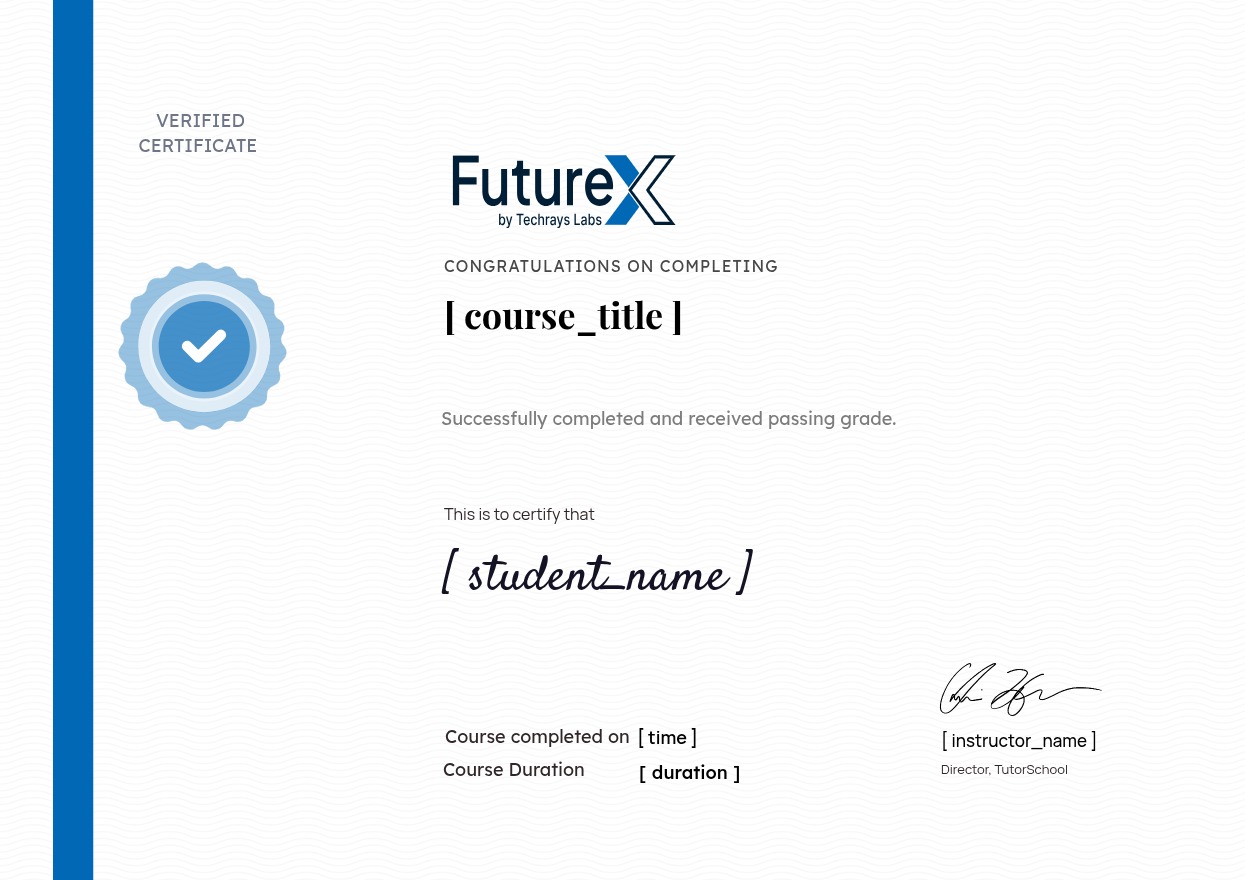
selected template

Student Ratings & Reviews

No Review Yet
No Review Yet