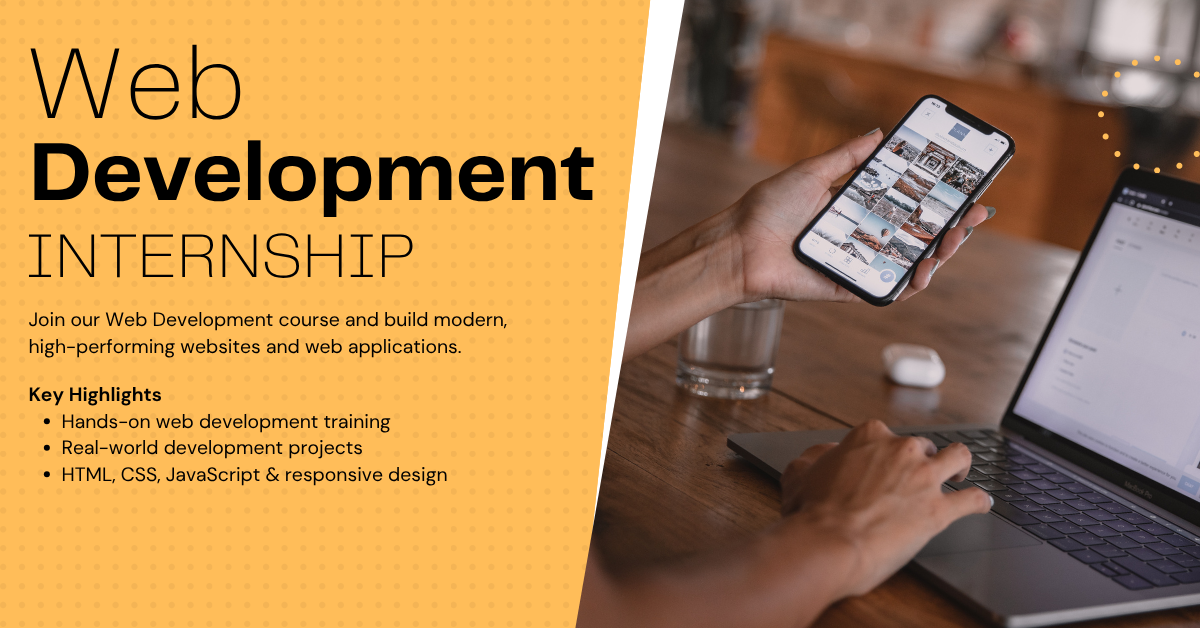
6 Months Web Development Training & Internship

Categories: Training & Internship
Wishlist Share

About Course

This 6-month Web Development Internship is a comprehensive, structured training program designed to transform beginners into job-ready full-stack web developers with strong problem-solving abilities and practical development skills using modern web technologies.

The program follows a progressive learning approach, starting from the fundamentals of web development and gradually advancing toward building scalable, production-ready web applications. It is carefully designed to provide both conceptual clarity and hands-on experience through real-world examples, assignments, quizzes, and project-based learning.

🚀 What This Internship Covers

The internship begins with the core fundamentals of web development, where learners gain a solid understanding of how the web works, including HTML, CSS, and basic JavaScript. Students learn how to structure web pages, style them using modern CSS techniques, and create responsive layouts that work across devices.

Once the foundation is established, the program moves into advanced frontend development, where learners explore JavaScript in depth, including DOM manipulation, events, and asynchronous programming. They also learn how to build interactive and dynamic user interfaces using modern frontend practices.

Next, students are introduced to backend development, where they learn how servers, databases, and APIs work together. They gain hands-on experience with server-side programming, database integration, authentication, and handling real-world business logic.

The internship also covers full-stack development concepts, where learners connect frontend and backend systems to build complete applications. Topics such as REST APIs, CRUD operations, data handling, and deployment are explored in detail.

In the final phase, learners apply all their knowledge by building a complete real-world project, such as a full-stack web application (e.g., task manager, e-commerce system, or SaaS platform). This includes frontend UI, backend APIs, database integration, authentication, and deployment, closely simulating real industry development workflows.

🧠 Learning Approach

This internship is designed to be highly practical and implementation-focused rather than just theoretical. Each module includes:

  • Structured lessons (video/text-based)
  • Hands-on coding examples
  • Module-wise quizzes for evaluation
  • Assignments to reinforce concepts
  • Mini-projects for practical exposure
  • A final capstone project

The program follows a strict sequential progression model, meaning learners must complete assessments and quizzes to unlock the next module. This ensures a strong understanding of each concept before moving to more advanced topics.

🏆 Skills You Will Gain

By the end of this internship, participants will be able to:

  • Build responsive and user-friendly web interfaces
  • Write clean and maintainable HTML, CSS, and JavaScript code
  • Develop dynamic frontend applications
  • Understand backend development and server-side logic
  • Work with databases and perform CRUD operations
  • Build and consume REST APIs
  • Develop complete full-stack web applications
  • Deploy applications to production environments
  • Understand real-world development workflows and best practices

🎯 Who This Internship is For

This program is ideal for:

  • Beginners who want to start a career in web development
  • Students pursuing computer science or IT-related fields
  • Individuals looking to become full-stack developers
  • Freelancers who want to build real-world web applications
  • Anyone interested in building modern websites and web apps

No prior programming experience is required, but consistency, practice, and dedication are essential for successful completion.

💼 Internship Outcome

Upon completion of this internship, learners will have practical, hands-on experience in full-stack web development and will be capable of building real-world, production-level web applications.

They will also have a strong portfolio project that demonstrates their skills in frontend, backend, and full-stack development, significantly improving their chances of securing internships or job opportunities in the web development field.

Show More

Course Content

Module 1: Introduction to Web Development & Internet Fundamentals
This module builds the foundation of the entire internship by helping students understand what web development actually is before writing any code. Most beginners jump directly into HTML or CSS without understanding how the internet works, how websites are delivered, and what happens behind the scenes when a user opens a webpage. This module removes that gap and builds proper technical clarity from day one. Students will learn how websites function from request to response, what roles frontend and backend play, how browsers interpret code, and how developers build and deliver modern web applications. This is important because without understanding the full web ecosystem, students often memorize syntax but fail to understand real development workflows. This module also introduces the tools every web developer uses daily, such as browsers, developer tools, editors, and hosting concepts. Students will understand not just what to use, but why each tool matters in professional development. By the end of this module, students will clearly understand the complete lifecycle of a website, the role of each web technology, and how real-world web systems are structured before they begin actual coding.

  • What is Web Development?
  • How the Internet Works
  • Frontend vs Backend Development
  • Developer Tools & Essential Setup
  • Check what have you learnt about Web Development Fundamentals Quiz
  • My First Developer Workspace

Module 2: HTML5 Fundamentals & Semantic Web Structure
This module teaches students how to build the structural foundation of every webpage using HTML5. HTML is the skeleton of the web, and every website, application interface, admin panel, blog, or landing page begins with structured HTML. Before styling or adding logic, students must understand how to properly organize content in a browser-readable format. Students will learn how HTML works internally, how browsers interpret tags, how documents are structured, and why semantic markup is critical for accessibility, SEO, and maintainability. This module focuses not just on writing tags, but on understanding how HTML defines content meaning. In real-world development, poor HTML creates long-term problems: broken layouts, weak SEO, inaccessible interfaces, and difficult maintenance. Proper HTML structure is what separates beginner markup from production-quality frontend work. This module also introduces forms, tables, media elements, and semantic layout tags used in modern websites. By the end of this module, students will be able to build complete, well-structured HTML pages using clean, semantic, professional markup.

Module 3: CSS Fundamentals, Styling & Visual Design
This module teaches students how to transform plain HTML into visually structured, usable, and professional-looking interfaces using CSS. HTML gives structure, but CSS controls presentation. Without CSS, websites remain raw and unreadable. Every modern website depends on CSS for layout, spacing, typography, responsiveness, and visual hierarchy. Students will learn how CSS works internally, how browsers apply styles, how selectors target elements, and how layout and spacing systems create usable interfaces. This module is not just about colors and fonts. It teaches how to think visually like a frontend developer and how to structure interfaces that users can actually navigate. In real-world development, poor CSS creates unreadable layouts, inconsistent spacing, broken responsiveness, and unusable interfaces. Professional frontend work depends on clean CSS architecture, predictable layout systems, and maintainable styling patterns. This module introduces selectors, colors, typography, spacing, the box model, display systems, flexbox, and responsive behavior. By the end of this module, students will be able to style full webpages professionally and convert raw HTML into polished interfaces.

Module 4: Responsive Design, CSS Grid & Modern UI Layouts
This module teaches students how to build layouts that adapt correctly across desktops, tablets, and mobile devices. Writing CSS is not enough in modern development. A website that only works on one screen size is broken. Responsive design is now a core requirement in every real-world web project. Students will learn how responsive design works internally, how browsers adapt layouts to screen sizes, how to use media queries, fluid units, breakpoints, and CSS Grid to build scalable layouts. This module focuses on making interfaces usable across devices rather than simply shrinking content. In real-world frontend development, responsive design is mandatory. Users access products from phones, tablets, laptops, and widescreens. Poor responsiveness causes layout breaks, unreadable text, bad UX, and lost users. This module teaches how professionals design layouts that remain stable across all screens. Students will also learn CSS Grid, one of the most powerful layout systems in modern frontend development. By the end of this module, students will be able to build responsive multi-section layouts, mobile-friendly interfaces, and modern UI structures used in production websites.

Module 5: JavaScript Fundamentals & Core Programming Logic
This module introduces JavaScript, the programming language that brings interactivity and logic to the web. HTML gives structure, CSS gives presentation, but JavaScript gives behavior. Without JavaScript, websites can display content, but they cannot respond intelligently to user interaction. Students will learn how JavaScript works internally, how browsers execute scripts, how variables store data, how conditions make decisions, how loops automate repetition, and how functions organize reusable logic. This module is the foundation of programming for frontend development and is the first step from static websites into real application behavior. In real-world development, JavaScript powers almost every interactive action users perform—clicks, form validation, search filtering, dynamic content updates, animations, API calls, and application state changes. It is one of the most important skills in modern web development. This module focuses on programming fundamentals, not just syntax. Students will learn how to think logically, write predictable code, and understand how JavaScript behaves inside the browser. By the end of this module, students will be able to write core JavaScript logic confidently and build interactive browser behavior.

Module 6: DOM Manipulation, Events & Interactive UI Development
This module teaches students how JavaScript interacts with HTML and CSS in real time through the DOM (Document Object Model). Writing JavaScript logic alone is not enough for frontend development. To build real interfaces, JavaScript must read, update, and control what users see on the page. Students will learn how browsers convert HTML into a manipulatable structure, how JavaScript selects elements, changes content, modifies styles, creates dynamic UI behavior, and responds to user actions through events. This is the point where static webpages become interactive applications. In real-world frontend development, DOM manipulation powers nearly every interactive behavior users experience: button clicks, form validation, modals, dropdowns, tabs, dynamic content rendering, search filtering, and UI state updates. It is one of the most practical and heavily used frontend skills. This module focuses on how JavaScript controls interfaces in the browser. By the end of this module, students will be able to build interactive user interfaces, attach user-driven behavior, and manipulate webpage content dynamically using JavaScript.

Module 7: Advanced JavaScript, Arrays, Objects & Modern ES6
This module takes students beyond basic JavaScript and introduces the data structures and modern syntax used in real frontend development. Writing small scripts is not enough for modern applications. Real projects require structured data handling, reusable patterns, cleaner syntax, and scalable logic. This module teaches the JavaScript features used in production-grade frontend development. Students will learn how arrays store collections of data, how objects represent structured information, how modern ES6 syntax improves readability, and how advanced JavaScript features simplify real application logic. This module focuses on how developers manage real data in modern interfaces. In real-world development, arrays and objects power nearly every frontend feature—product lists, user profiles, dashboards, carts, filters, search systems, settings, API responses, and UI state. ES6 syntax is now the standard across modern JavaScript codebases and is expected in professional frontend work. This module bridges the gap between beginner JavaScript and real application logic. By the end of this module, students will be able to manage structured data, write cleaner modern JavaScript, and build more scalable frontend logic using production-relevant syntax.

Module 8: Asynchronous JavaScript, APIs & Fetch
This module teaches students how modern web applications communicate with external systems and handle delayed operations using asynchronous JavaScript. Up to this point, students have worked with local browser logic. Real applications do not work only with hardcoded data. They constantly fetch, send, update, and process data from servers. Students will learn how asynchronous JavaScript works, why browsers do not wait for slow operations, how callbacks evolved into promises, how async/await simplifies asynchronous code, and how APIs allow frontend applications to communicate with backend systems. In real-world frontend development, asynchronous logic powers login systems, dashboards, product listings, live search, notifications, payment flows, and nearly every feature that relies on backend communication. Without asynchronous programming, modern applications cannot function. This module focuses on how JavaScript handles delayed operations and external data. By the end of this module, students will be able to fetch data from APIs, process server responses, handle loading states, manage errors, and build data-driven frontend behavior.

Module 9: Git, GitHub & Professional Development Workflow
This module teaches students how professional developers manage code, track changes, collaborate safely, and maintain project history using Git and GitHub. Writing code is only one part of development. In real-world environments, developers must also manage changes, work in teams, avoid breaking production, and maintain clean development workflows. Students will learn version control fundamentals, Git commands, branching strategies, GitHub collaboration workflows, pull requests, merge conflict handling, and industry-standard development practices. These skills are mandatory in modern software teams because professional development is impossible without proper version control. In real-world web development, Git and GitHub are used in every serious project. Teams use them to track code changes, review work, collaborate across branches, deploy safely, and maintain project history. Developers who cannot work with Git become a bottleneck in professional environments. This module focuses on practical Git usage and professional team workflows. By the end of this module, students will be able to manage repositories, collaborate safely, use branching properly, resolve conflicts, and work like a professional developer in real project environments.

Module 10: Deployment, Hosting & Production Readiness
This module teaches students how to take a web project from local development to a live production environment. Writing code locally is not enough. Real web development ends only when the application is deployed, accessible publicly, and stable in production. Students will learn how deployment works, how hosting environments differ from local machines, how domains connect to live applications, how frontend assets are prepared for production, and how to deploy websites using modern hosting platforms. In real-world development, deployment is not optional. Every web project must eventually move from local development to a public server. Developers must know how to prepare code for production, deploy safely, fix environment issues, and ensure applications run reliably after launch. This module focuses on practical deployment and production readiness. By the end of this module, students will be able to deploy static and dynamic websites, connect domains, understand hosting workflows, and prepare web applications for production use.

Final Module: Full Real-World Project – Smart Task Management Web App
This final module combines everything learned across the internship into one complete real-world web application. Students will build a production-style Smart Task Management Web App that simulates how modern web products are designed, structured, developed, and deployed. This project is not a toy demo. It is built to simulate real frontend development workflow: UI planning, component structure, DOM interaction, form handling, data management, asynchronous operations, API integration, Git workflow, and deployment. It forces students to apply concepts instead of repeating isolated examples. In real-world development, this is how skills are validated. Employers do not assess isolated syntax knowledge. They assess whether a developer can build, structure, debug, and ship a usable product. This project is designed to replicate that expectation. By the end of this module, students will have built a complete, portfolio-ready application using practical frontend architecture and professional development workflow.

Earn a certificate

Add this certificate to your resume to demonstrate your skills & increase your chances of getting noticed.
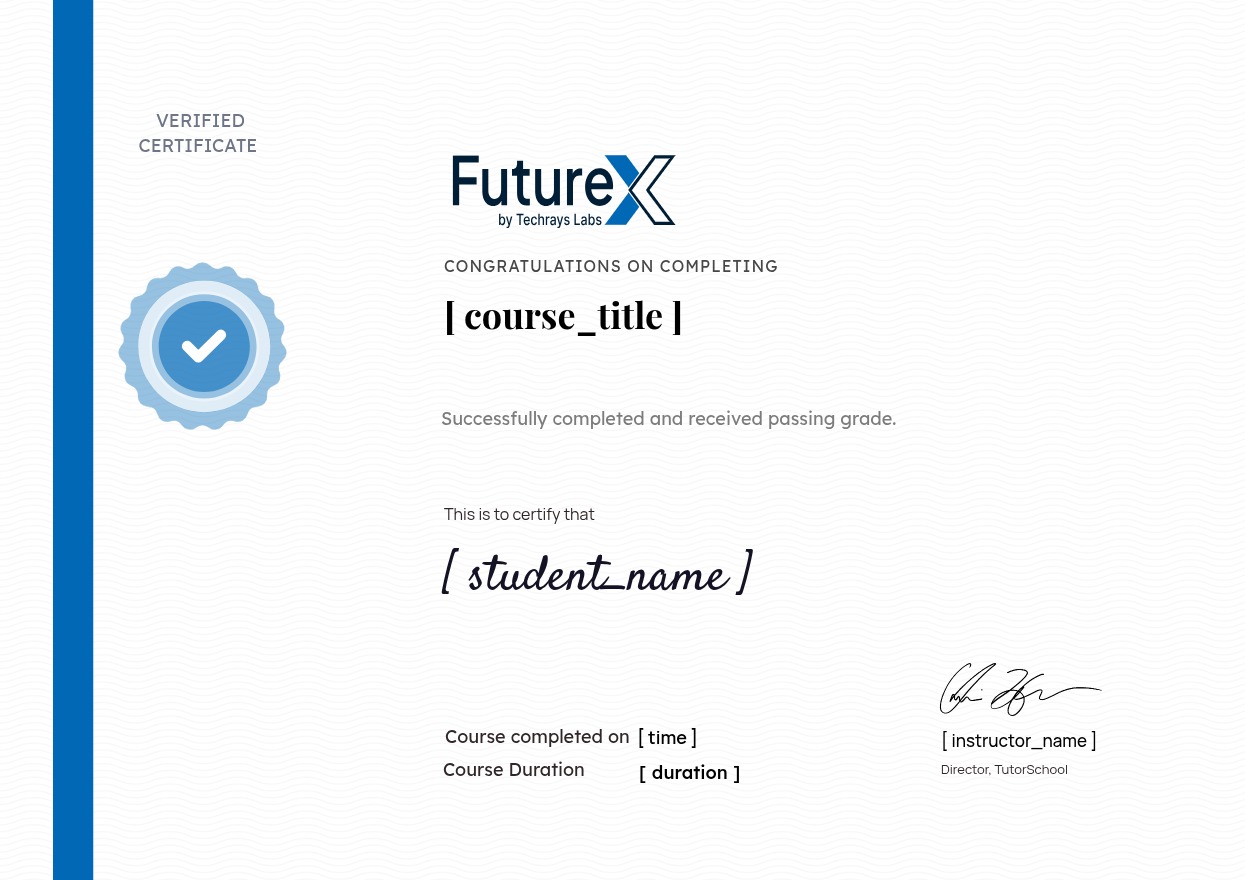
selected template

Student Ratings & Reviews

No Review Yet
No Review Yet